Missions to the Moon1.3
Publisher Description
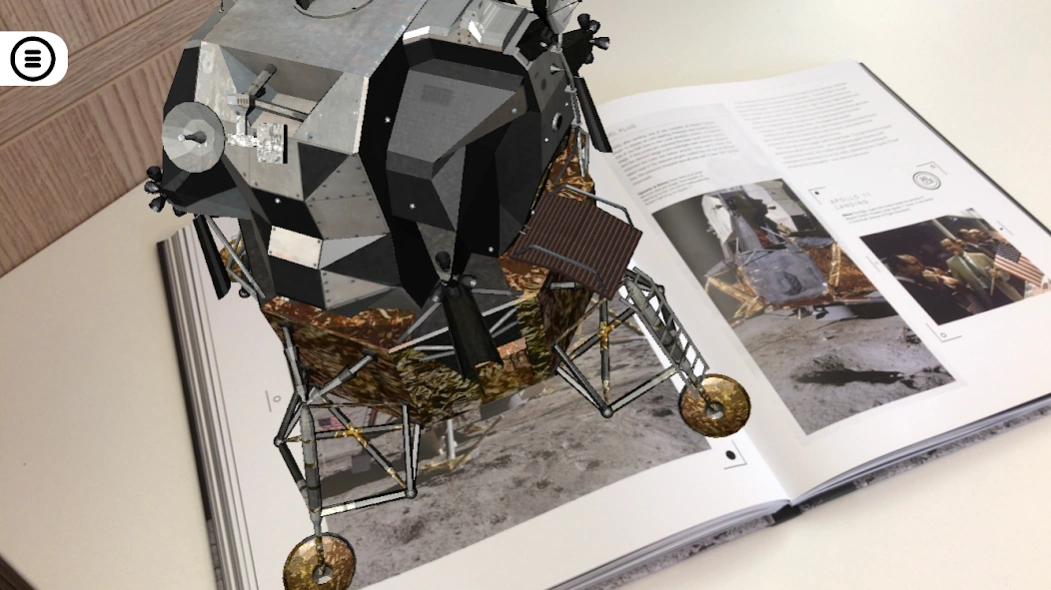
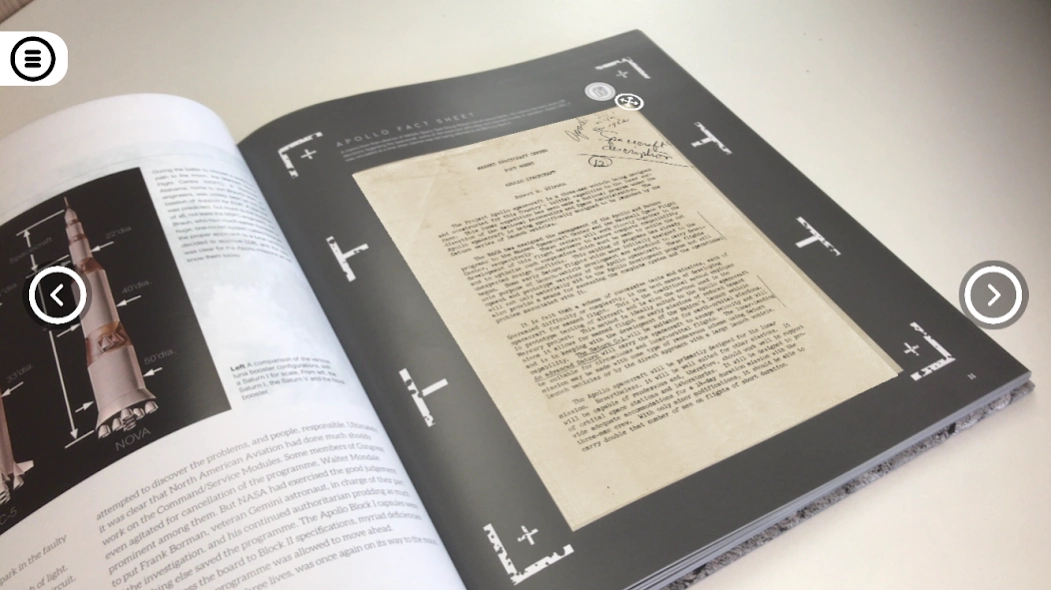
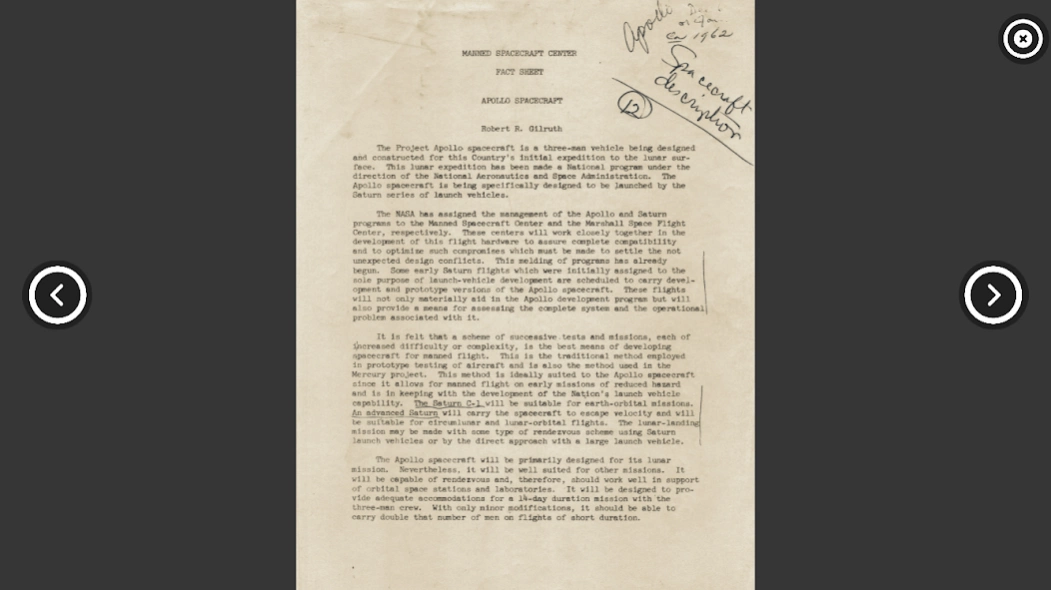
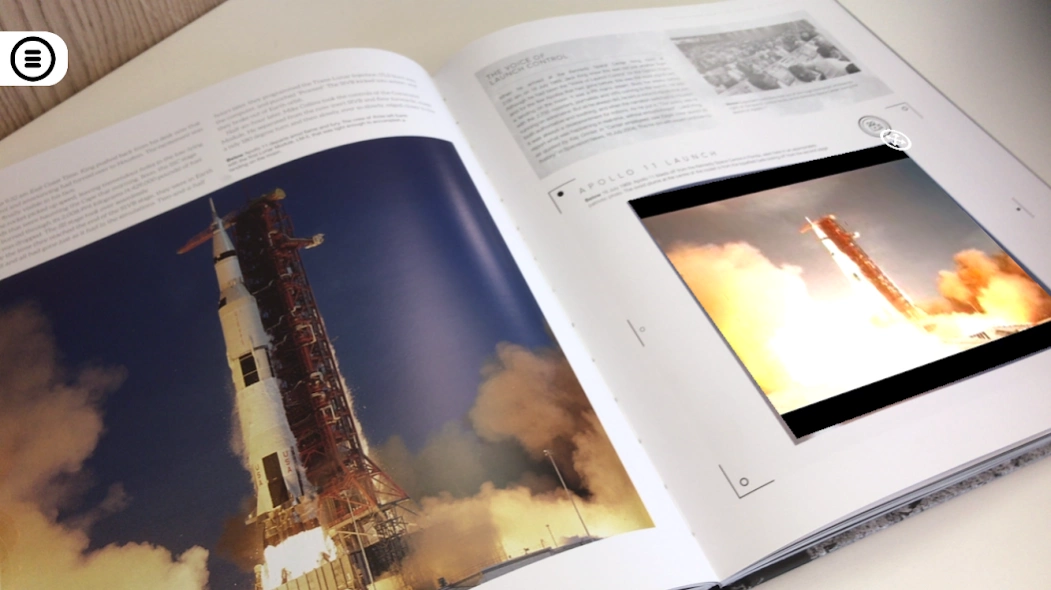
The story of man’s greatest adventure brought to life with augmented reality.
“That’s one small step for a man, one giant leap for mankind.”
With these words, Neil Armstrong marked the climax of one of the most exciting adventures in history. The whole world watched as Apollo 11 landed on the moon – and now you can share the experience.
Man's greatest adventure is transformed on the page into a unique digital experience, fuelled by the latest AR technology:
- Activate videos from NASA’s archives, enabling you to experience history first-hand.
- Activate audio clips that tell the story through the voices of those involved.
- Reveal rare and important documents documenting man's lunar exploration. Rifle through these on your smartphone or tablet and open them full screen.
- Trigger 3D models of iconic spacecraft such as the Saturn V rocket and view them from every angle with your device.
How it works:
Once you press the play button on the app’s opening screen, simply look at the interactive pages of your Missions to the Moon book through the app. Look out for pages with interactive icons. If you don’t already have the book, tap the play button on the app's opening screen and wait for 20 seconds to get a link to a retail page outside the app where the book can be purchased.
This FREE app is available to anyone with a compatible smartphone or tablet (Android devices with both forward- and backward-facing cameras using Android 4.0.3 and above, and ARMv7 NEON processors. INTEL ATOM based devices are not supported).
About Missions to the Moon
The company that develops Missions to the Moon is Welbeck Publishing Limited. The latest version released by its developer is 1.3.
To install Missions to the Moon on your Android device, just click the green Continue To App button above to start the installation process. The app is listed on our website since 2019-06-17 and was downloaded 1 times. We have already checked if the download link is safe, however for your own protection we recommend that you scan the downloaded app with your antivirus. Your antivirus may detect the Missions to the Moon as malware as malware if the download link to com.carltonbooks.missionstothemoon is broken.
How to install Missions to the Moon on your Android device:
- Click on the Continue To App button on our website. This will redirect you to Google Play.
- Once the Missions to the Moon is shown in the Google Play listing of your Android device, you can start its download and installation. Tap on the Install button located below the search bar and to the right of the app icon.
- A pop-up window with the permissions required by Missions to the Moon will be shown. Click on Accept to continue the process.
- Missions to the Moon will be downloaded onto your device, displaying a progress. Once the download completes, the installation will start and you'll get a notification after the installation is finished.
Program Details
System requirements
Download information
Pricing
Version History
version 1.3
posted on 2019-06-17
Bug fix
